
Your Pathway Starts Here
Furman has transformed the educational experience to be different – to have a distinct and purposeful pathway of opportunity and resources. With access to world-class faculty and four innovative and impactful institutes at a top liberal arts university, you’ll graduate ready for a life of success. This is the promise of The Furman Advantage.
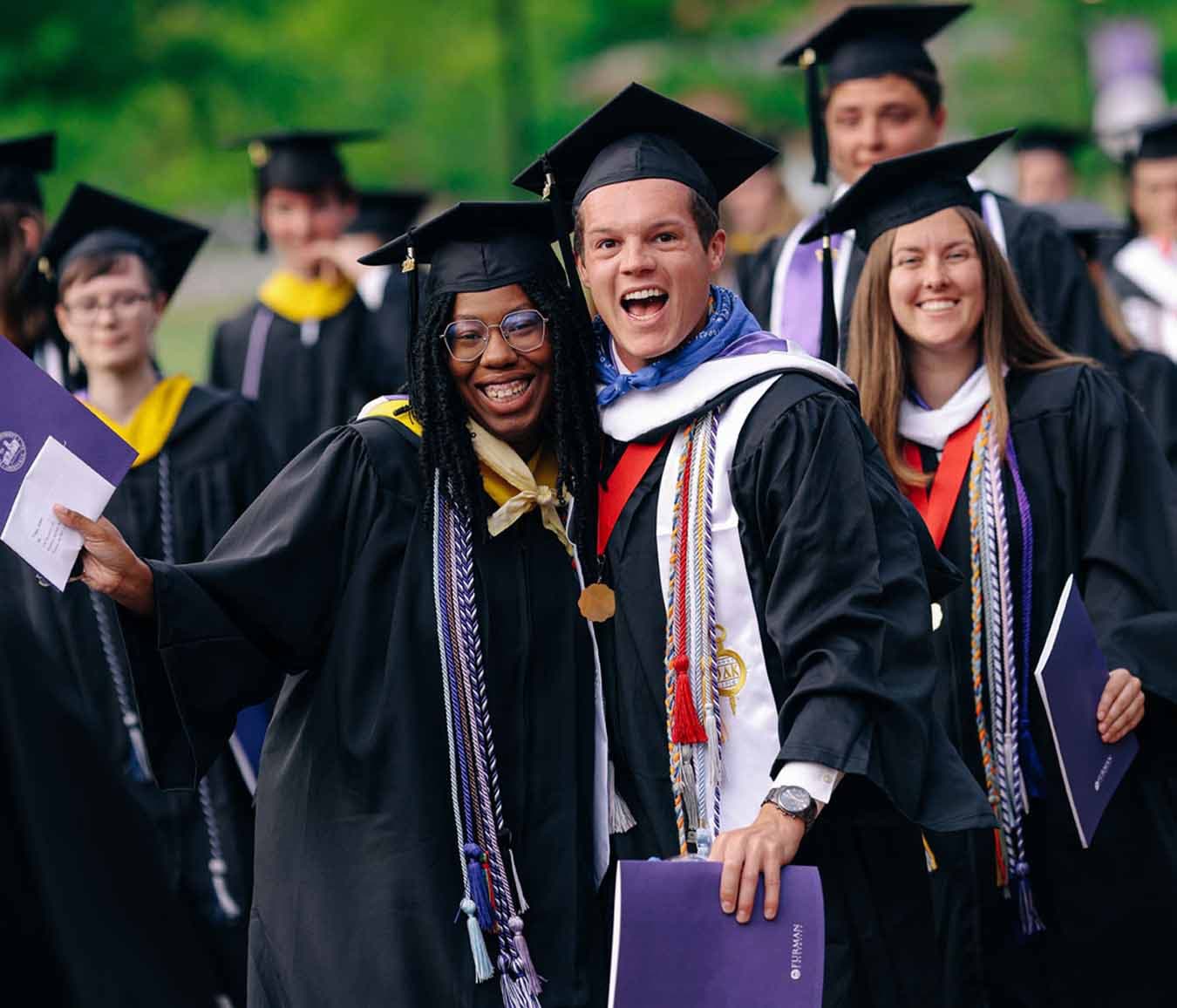
Academics at Furman
Furman’s academics combine classroom learning and premier majors with experiences in research, internships, study away and community-centered learning. The result? A hands-on approach that empowers you to personalize your education, refine your goals and shape your future.
Academics at Furman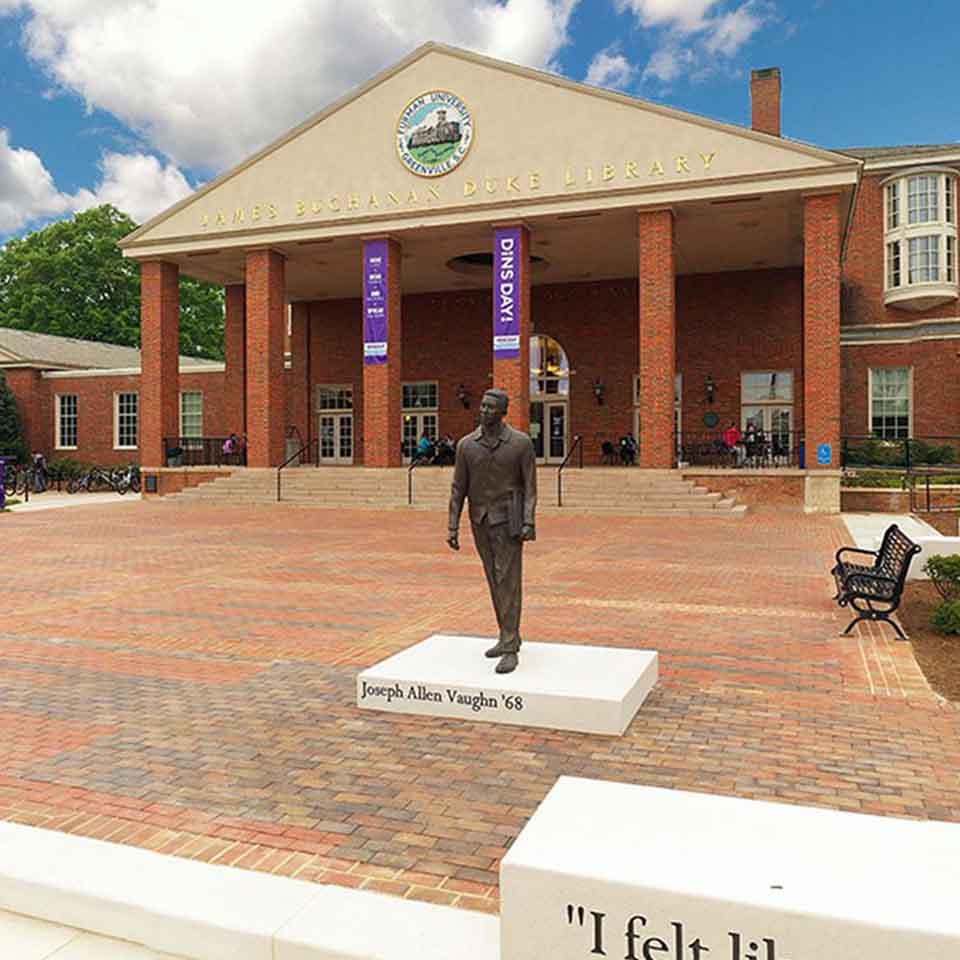
The Campaign for Our Third Century
As we approach our third century and contemplate the challenges our students will face in the decades ahead, it is imperative that we lift all that we do to another level. Guided by our strengths as a university, focused on learning experiences that empower students to achieve their most inspiring ambitions, we will do more than meet our mission and advance Furman’s reputation for excellence. As we become a national model for higher education, we will, through our graduates, influence action and ideas across the 21st century.
Be a part of Clearly Furman today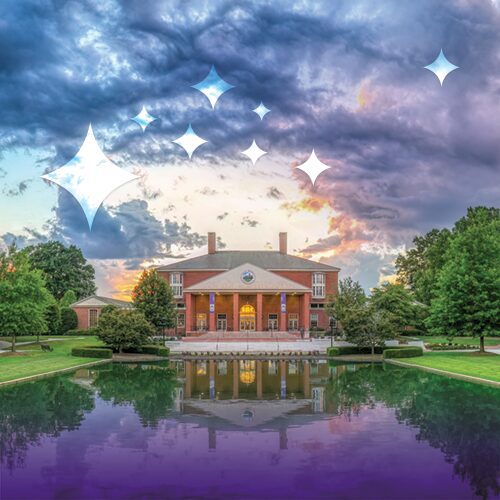
Campus Life at Furman
It’s not hard to find your place here. With more than 167 student organizations and a full calendar of campus events and activities, there’s no shortage of ways to have fun and make new friends.
Explore Furman's Campus life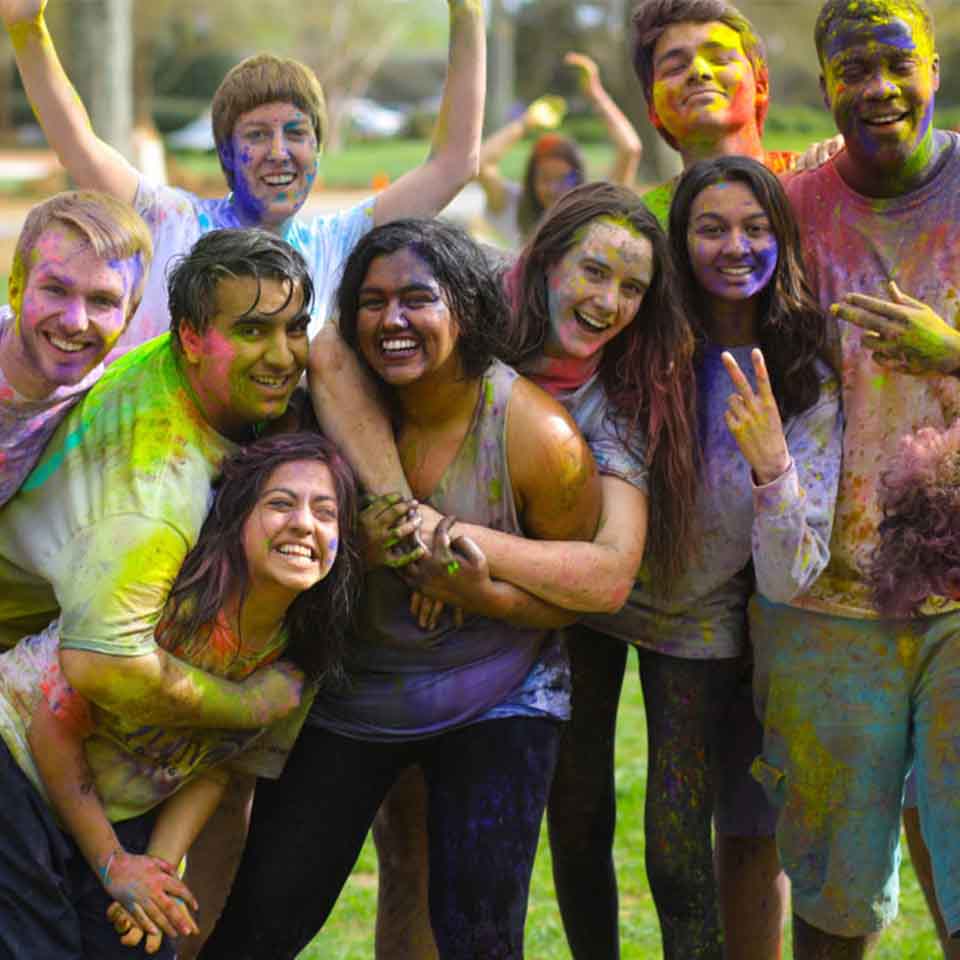
Admissions & Aid at Furman
You know that feeling when you’re in the right place, at the right time, with the right people? You’ll find it here at Furman, and it will never leave you.
Learn about Admissions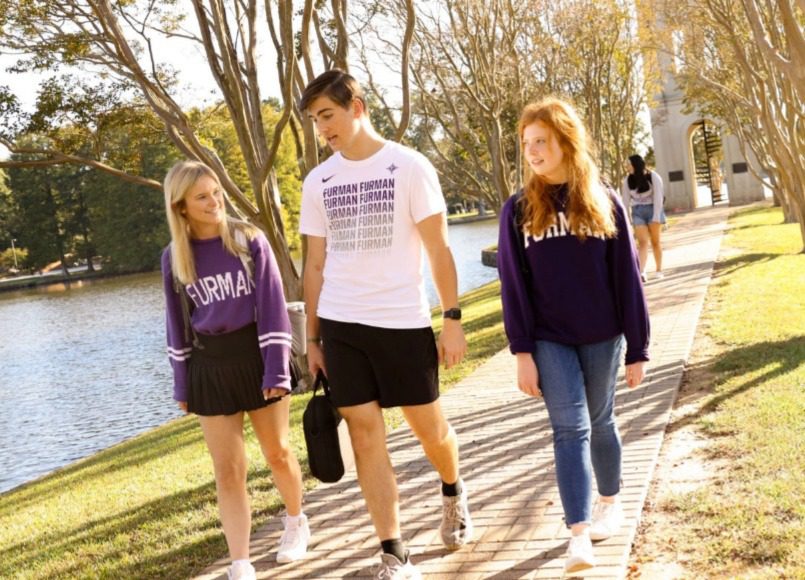
Institutes
The Furman Advantage comes alive within Furman’s four institutes. Students blend their academic field, personal interest and the tools provided by the institutes to gain valuable, real-world experience in community initiatives, research, outreach and more.
Furman's Institutes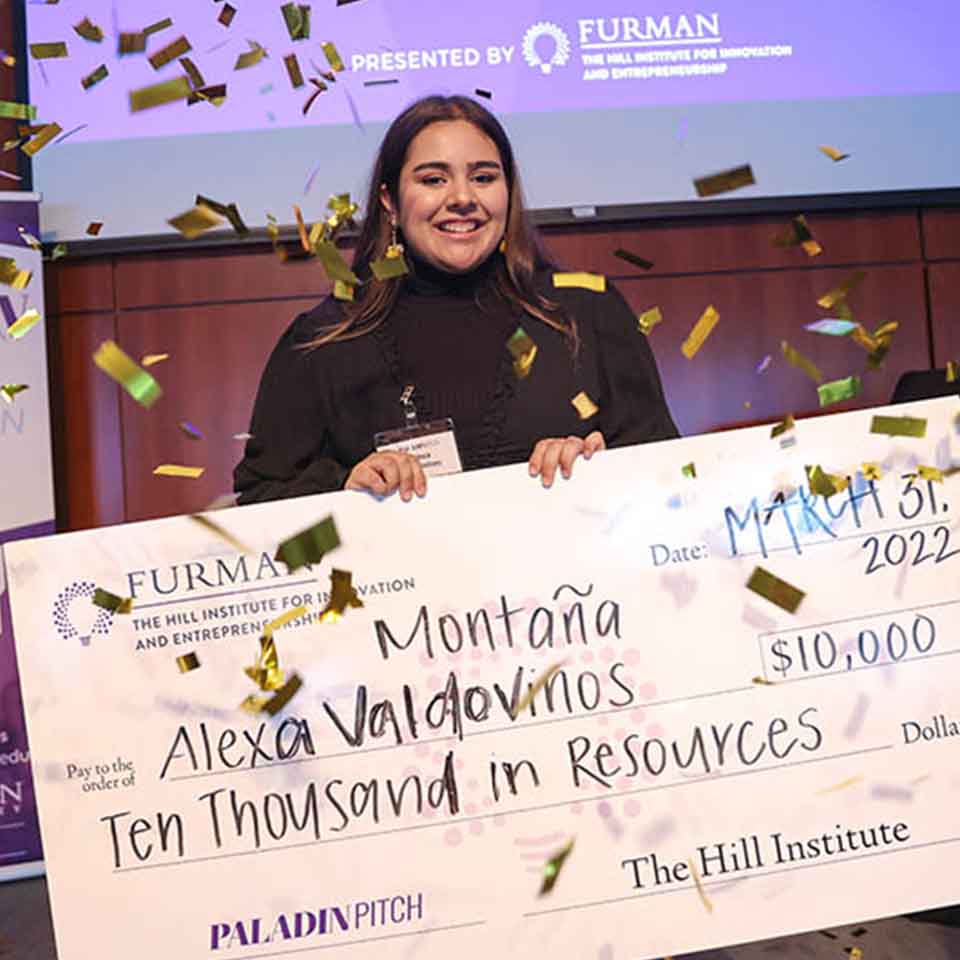
Athletics
Furman Athletics, with teams across 18 NCAA Division I programs, have won two national championships, competed in 127 NCAA tournaments and produced 160 All-Americans. As Greenville’s team, the Paladins, compete both at Furman and downtown Greenville. Whether a causal fan or a season ticket holder, there’s a seat for everyone to cheer on our purple and white. Go Paladins!
Learn about Furman Athletics
After Furman
When you join the Furman family, you are part of a diverse and international network invested in your success and will experience the unique advantages of attending a top private college in South Carolina. Our graduates have high rates of job placement and graduate school acceptance, and a deeper sense of purpose and fulfillment.
Explore What's After Furman
To the innovators, the disruptors, the game-changers... discover where you belong.


News from around the Lake

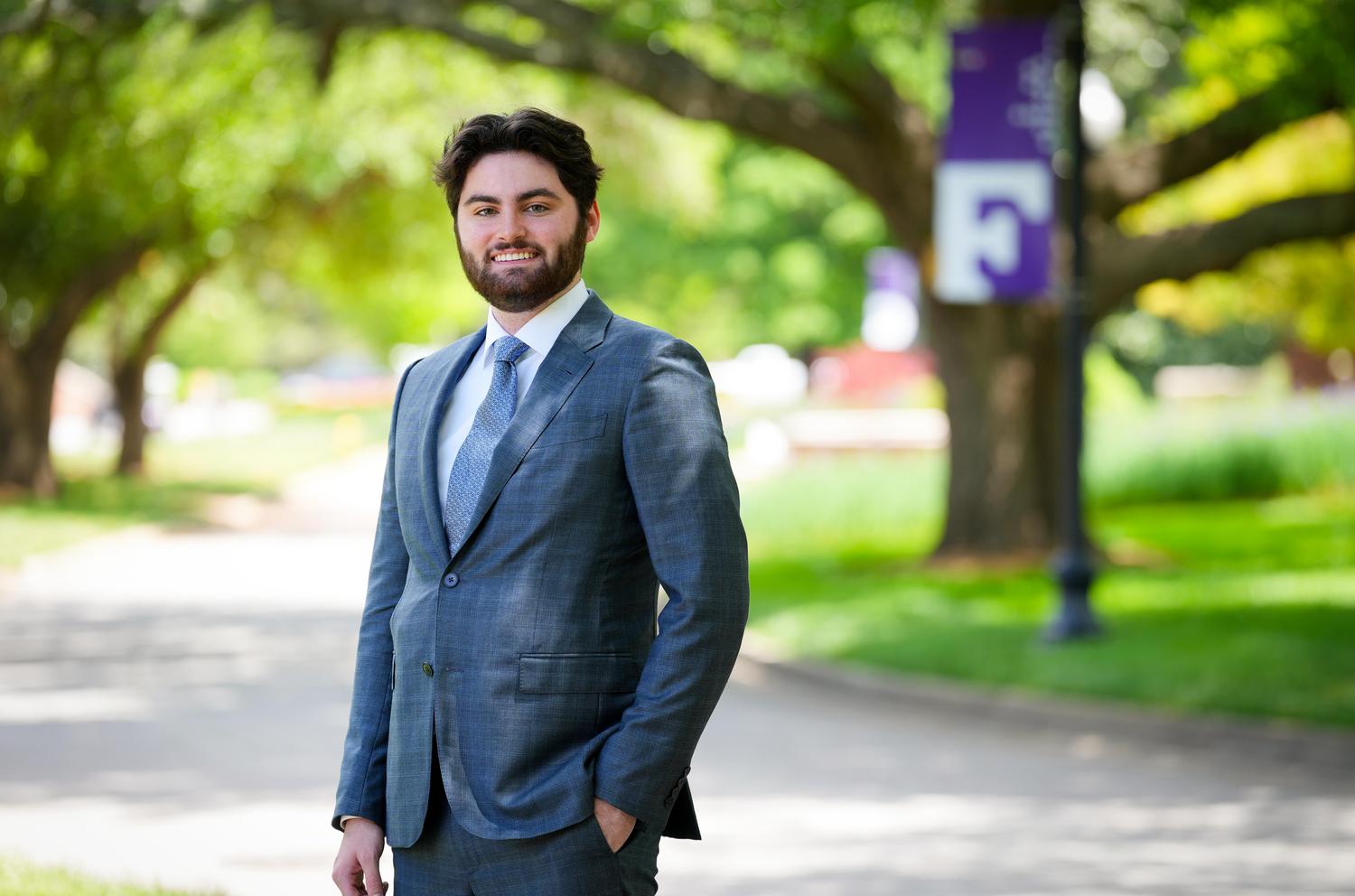

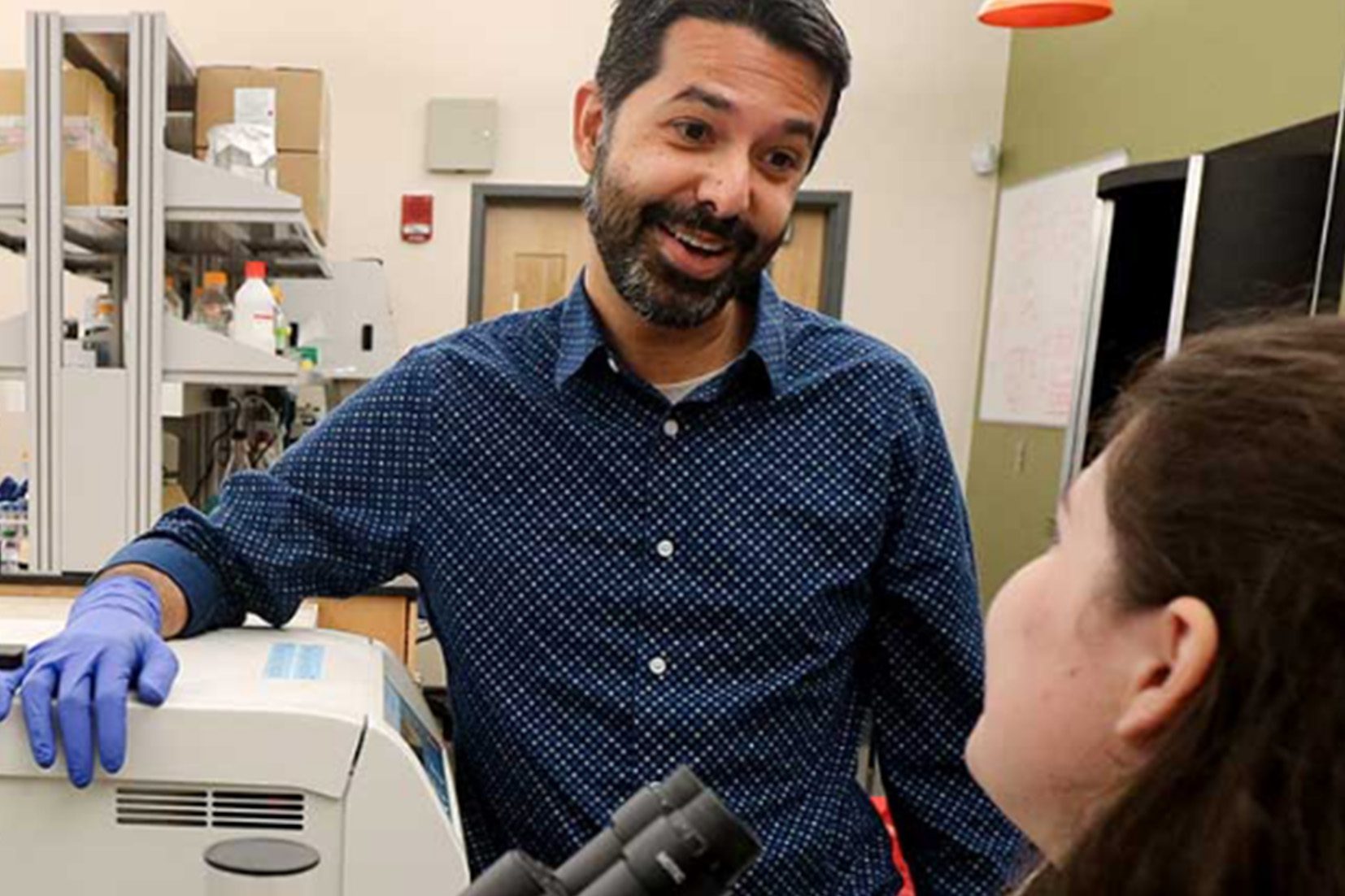
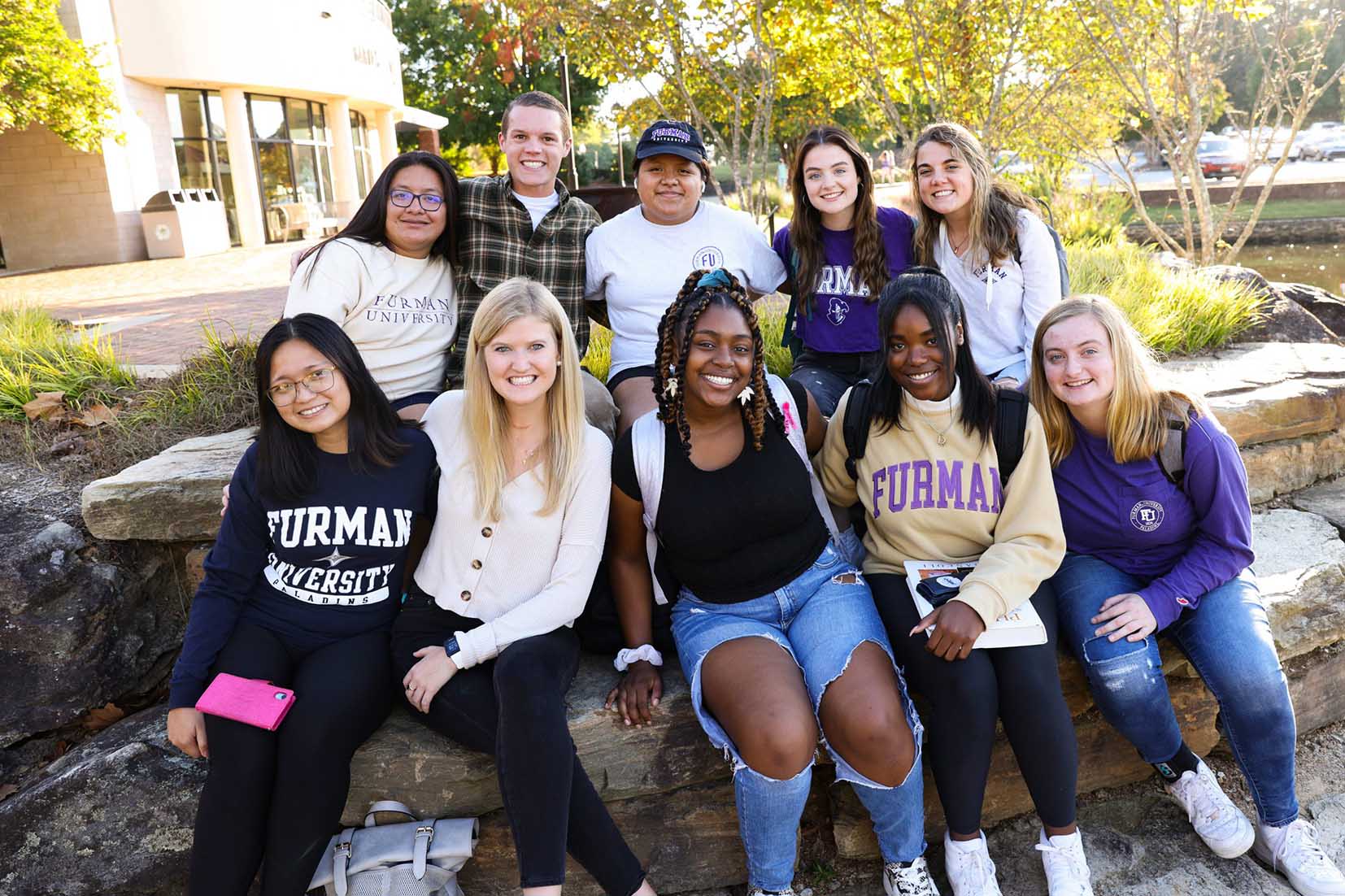
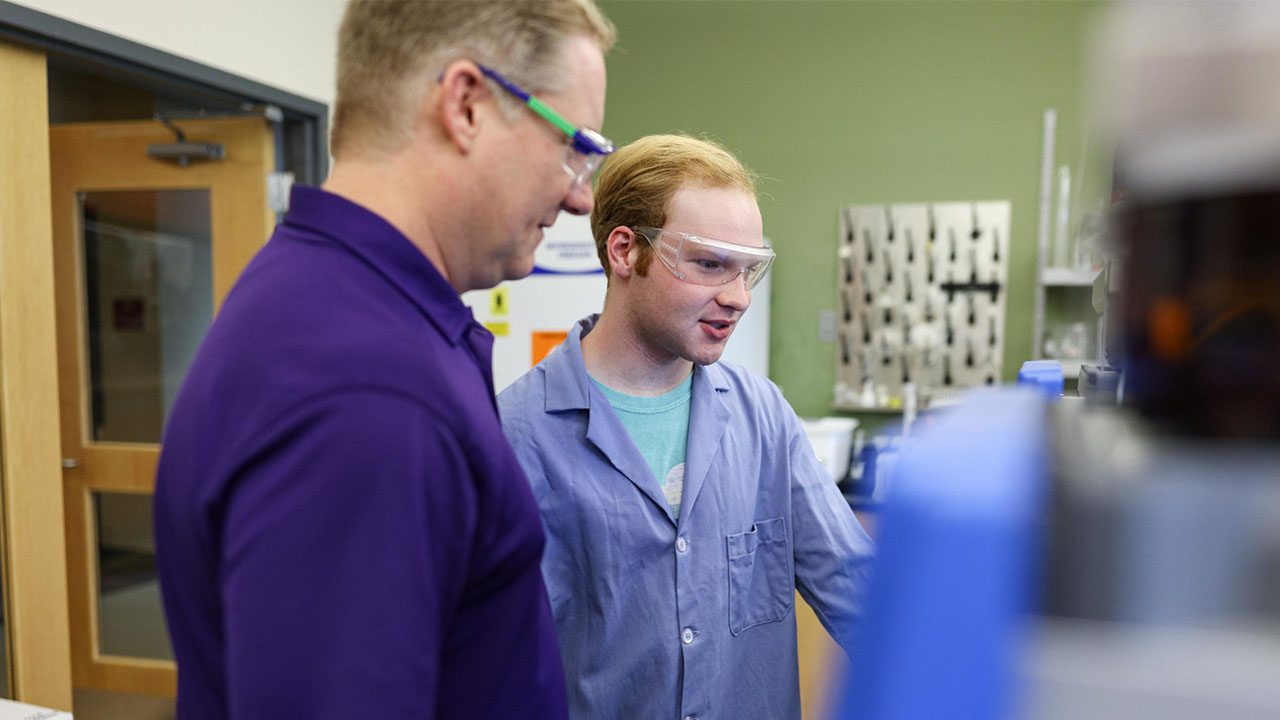

The Paladin Perspective
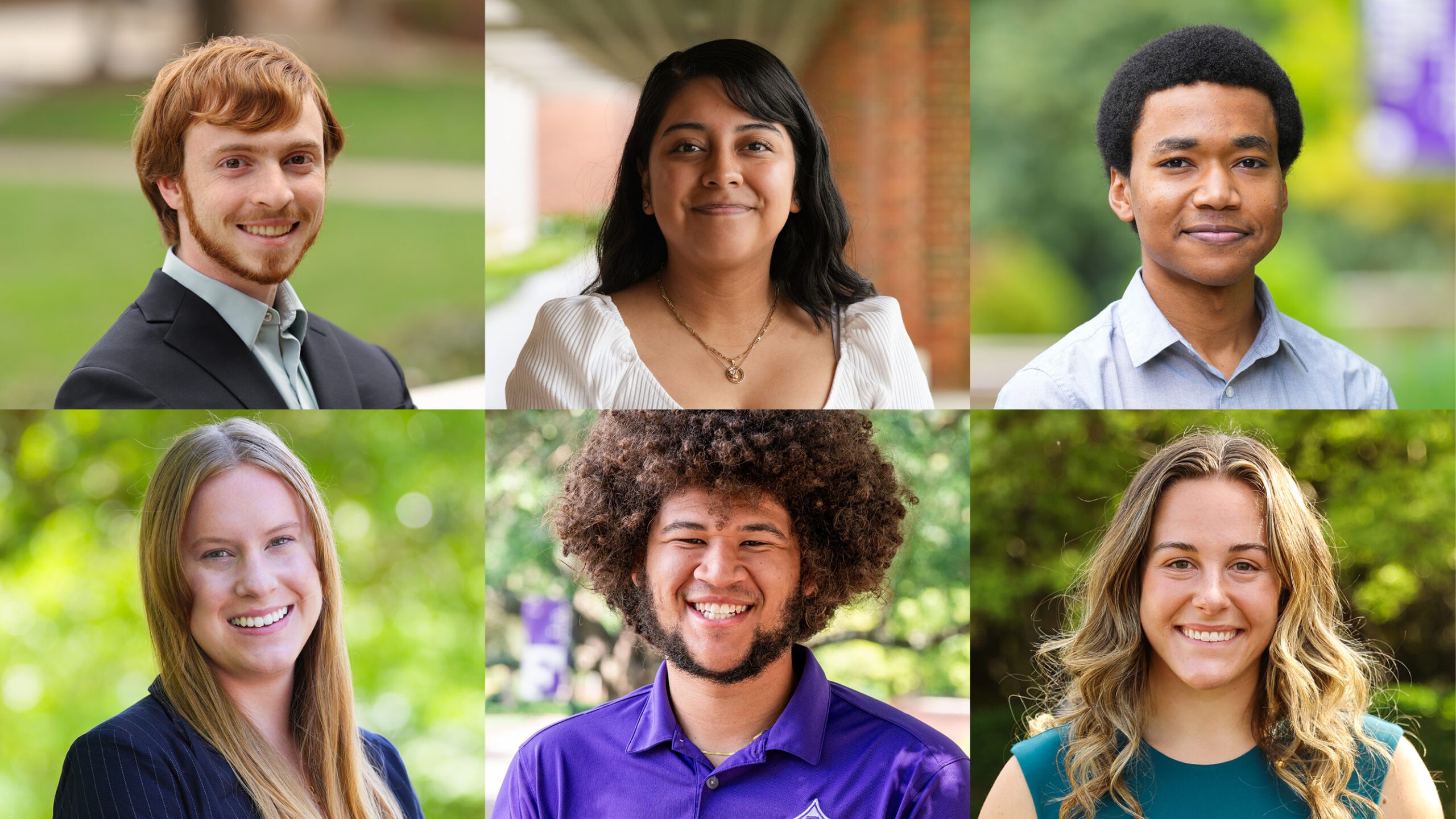
Discover Furman through the eyes of our students.
-

At Furman, I’ve received a personalized experience that I don’t think I could have received anywhere else."
Eve Loftus, '23 - Health Sciences Major
-

Living on campus has been awesome for me."
Srikar Alapati, '23 - Chemistry Major – Biochemistry Track
-
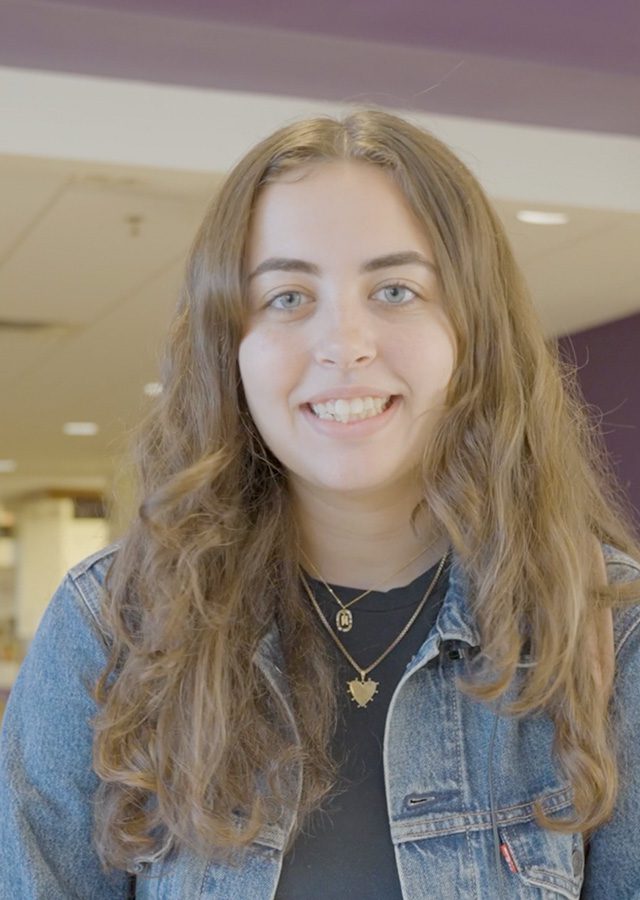
When I came to campus and toured it, I just felt this sense of community that I really thought was cool."
Mia Saltrelli, '23 - Public Health Major


The promise is real

#THEFURMANADVANTAGE
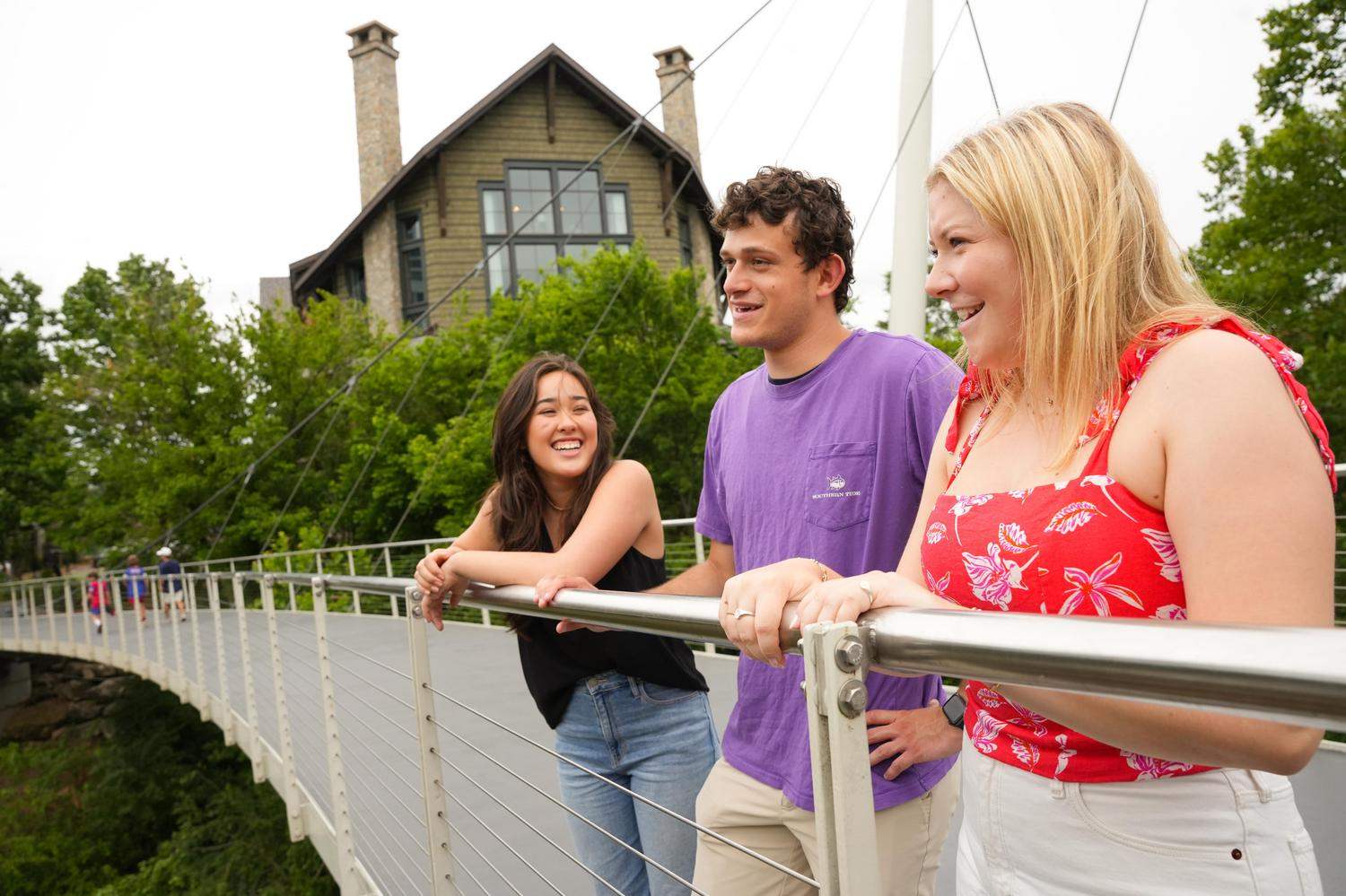
See for yourself
A small city with big-time amenities, international flavor and natural beauty, Greenville, South Carolina is nestled at the foot of the Blue Ridge Mountains, between Atlanta, Charlotte and Asheville. Nationally recognized as one of America’s best cities, our home is the perfect place to live and learn.